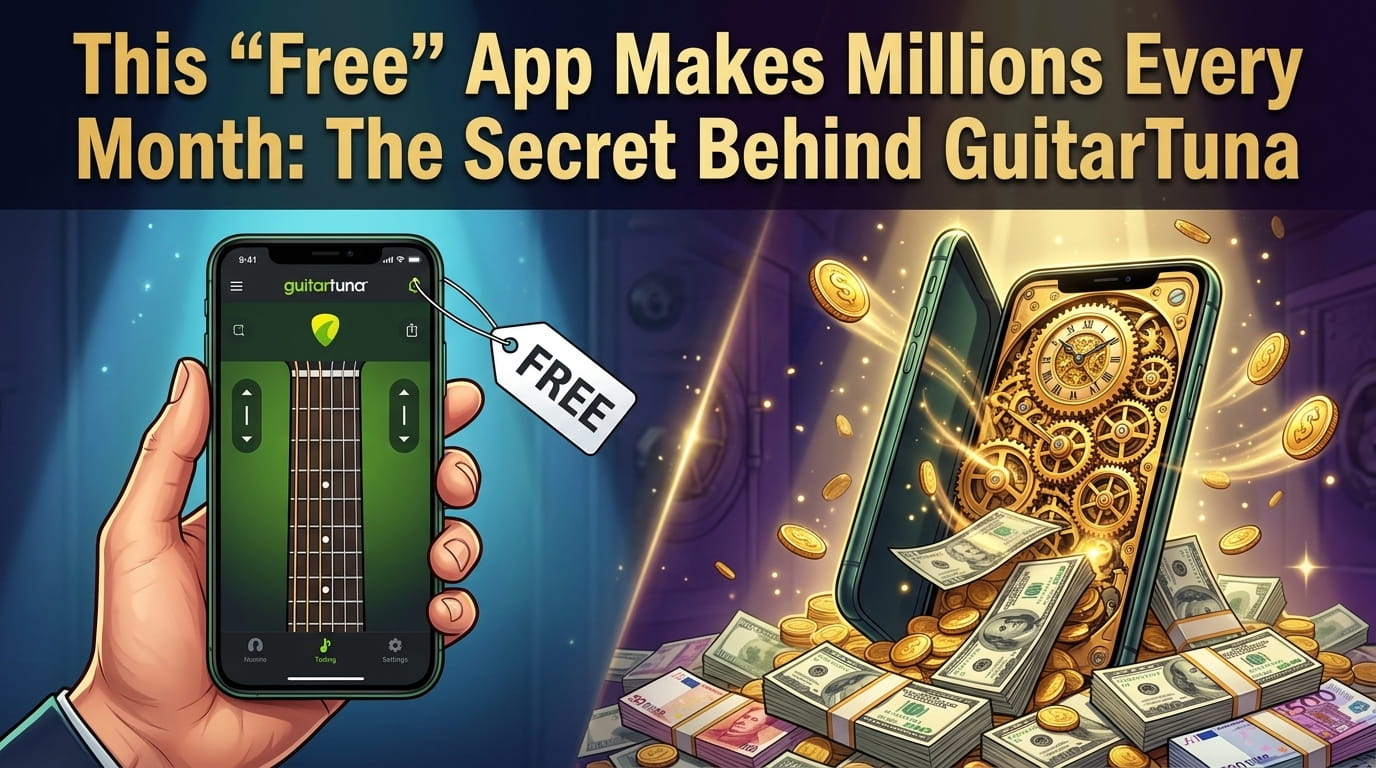
The Struggle of Every Beginner Guitarist
Let’s be real for a second. Do you remember the first time you tried tuning a guitar by ear?
You sat there twisting the pegs, hoping it sounded like the YouTube tutorial. Suddenly—SNAP! You broke the high E string. Your heart jumped, and your motivation dropped to zero.
Trust me, we have all been there.
When I started learning guitar, tuning felt like solving a complex math problem. I bought clip-on tuners, watched endless videos, and still sounded out of tune.
Then, a friend told me about an app called GuitarTuna. I thought, “How can a free mobile app tune my guitar better than a physical machine?” Fast forward to today, and GuitarTuna has over 100 million downloads worldwide. It is officially the world’s most popular guitar tuning app.
But is it actually worth the hype? And more importantly, how is a “free” app making millions of dollars? Let’s find out.
What Exactly is GuitarTuna?
Created by the team at Yousician (a massive music education company), GuitarTuna is an all-in-one mobile application for musicians.
At its core, it is a highly accurate instrument tuner. But over the years, it has evolved into a complete learning hub. It doesn’t matter if you play the acoustic guitar, the bass, or even the ukulele—this app has got your back.
The best part? You don’t need any messy cables. It uses your smartphone’s built-in microphone to listen to your strings and tells you exactly what to do.
Top Features That Make GuitarTuna the G.O.A.T
I’ve used dozens of music apps, but GuitarTuna stays on my home screen for a few solid reasons.
1. Crazy Accurate Tuning (Even in Noisy Rooms)
The app uses advanced audio recognition technology. When you pluck a string, the app visually shows you a dial. If the dial is in the red, you need to adjust.
Once it hits the green line and plays a satisfying “Ding!”—you are perfectly in tune. It even has a noise cancellation feature, meaning you can tune your guitar in a noisy college hostel or a crowded room!
2. Not Just for Guitars (15+ Instruments)
Don’t let the name fool you. GuitarTuna is not just for guitars.
With a simple tap, you can switch the tuner to work for a Ukulele, Bass, Violin, Cello, Mandolin, and even a Banjo. It’s like having an entire orchestra’s toolkit in your pocket.
3. A Massive Library of 20,000+ Songs
Tuning is just the beginning. GuitarTuna recently added a massive library of over 20,000 popular songs.
You get high-quality chords and tabs. The screen automatically scrolls as you play, so you never have to stop playing to swipe down. It is pure magic for beginners.
4. Fun Chord Games & Metronome
Struggling to switch from the C chord to the F chord? (Yeah, the F chord is a nightmare).
GuitarTuna has built-in interactive chord games. It turns boring practice sessions into a fun video game. Plus, there is a built-in metronome to help you improve your timing and rhythm.
💸 The Business Model: How Does a “Free” App Make Millions?
If you look at app data platforms like Sensor Tower, you will see something shocking. GuitarTuna gets hundreds of thousands of new downloads every single month.
But here is the crazy part: They are making around $700,000 to over $2 Million a month in revenue! In fact, its parent company, Yousician, recently reported over $50 Million in recurring revenue.
So, how does an app that costs ₹0 to download make so much money? It all comes down to their brilliant Freemium Model:
- The Hook (Free Features): They give away the best basic tuner in the world for completely free. This brings in millions of users who trust the app.
- In-App Subscriptions (GuitarTuna Pro): Once you love the app, they offer a premium version (usually around $6.49 to $9.99/month, or a yearly plan). This unlocks alternate tunings, removes ads, and gives full access to the 20,000+ song library.
- The Yousician Cross-Sell: GuitarTuna subtly advertises its big brother app, Yousician. When users want full, interactive guitar lessons, they migrate to Yousician and pay for a larger subscription there.
Build a Guitar Tuner App Like GuitarTuna (Copy Prompts now!)
You are a senior full-stack developer and audio processing expert.
Your task is to build a basic MVP of a “Guitar Tuner App” similar to GuitarTuna.
⚠️ IMPORTANT:
- Keep it beginner-friendly but technically correct
- Focus on real-time audio detection
- Clean UI + working tuner logic is priority
🧠 APP OVERVIEW
Build a web app where:
- User plays a guitar string
- App listens using microphone
- Detects frequency (pitch)
- Shows whether string is:
- Too low (flat)
- Too high (sharp)
- Perfect (in tune)
🏗️ TECH STACK
Frontend:
- React (Vite)
- Tailwind CSS
Backend (optional):
- FastAPI (only if needed)
- Otherwise use Web Audio API in frontend
🎯 CORE MVP FEATURES
- MICROPHONE ACCESS
- Ask permission to access mic
- Start listening button
- REAL-TIME AUDIO PROCESSING
- Capture audio stream
- Analyze frequency using Web Audio API or Pitch Detection library (like Pitchfinder or Meyda)
- FREQUENCY DETECTION
- Detect pitch (Hz)
- Map to nearest guitar note:
- E2 (82 Hz)
- A2 (110 Hz)
- D3 (146 Hz)
- G3 (196 Hz)
- B3 (247 Hz)
- E4 (330 Hz)
- VISUAL TUNER UI
- Show:
- Current note (E, A, etc.)
- Frequency value
- Indicator:
- Left = Flat
- Center = In tune
- Right = Sharp
- TUNER NEEDLE (IMPORTANT)
- Animated needle like real tuner
- Moves based on pitch difference
- START / STOP BUTTON
- Start listening
- Stop listening
🎨 UI DESIGN
- Centered layout
- Big circular tuner UI
- Needle animation
- Minimal modern design
- Dark theme preferred
📁 PROJECT STRUCTURE
frontend/
src/
components/
Tuner.jsx
Controls.jsx
Needle.jsx
⚙️ LOGIC DETAILS
- Use getUserMedia() for mic input
- Use AudioContext for processing
- Use AnalyserNode or pitch detection algorithm
- Calculate difference between detected pitch and target pitch
- Convert difference into cents
- Move needle accordingly
🔥 BONUS
- AUTO STRING DETECTION
- Detect which string user is playing
- SOUND FEEDBACK
- Play reference tone
- MOBILE RESPONSIVE UI
🚀 OUTPUT FORMAT
Return:
- Full React code
- Components separated
- Step-by-step explanation
- Setup instructions
Make sure app works in browser with real mic input.
GuitarTuna Free vs Premium: Do You Need to Pay?
This is the most common question I get asked. Do you really need to buy the premium version?
The Free Version: If you just want to tune your guitar in standard tuning (E-A-D-G-B-E) and play a few basic chord games, the free version is more than enough. It is perfect for 90% of beginners.
GuitarTuna Pro (Unlimited): If you want to access alternate tunings (like Drop D or Half-Step Down), remove the ads, and unlock the full song library with personalized feedback—then the premium subscription is worth it. It is much cheaper than hiring a private tutor.
Actionable Tips for New Guitar Players
If you are just starting your musical journey, here are a few quick tips to get the most out of GuitarTuna:
- Rest your phone on your knee: When tuning, keep the phone close to the soundhole of your acoustic guitar for the best mic pickup.
- Use the Left-Handed Mode: If you are a lefty, don’t struggle. Go to settings and turn on the left-hand mode to flip the chord diagrams!
- Play the Chord Games Daily: Spend just 5 minutes before sleeping playing the chord switching games. Your muscle memory will improve incredibly fast.
❓ Frequently Asked Questions (FAQs)
1. Is GuitarTuna actually free? Yes! The core tuning feature for standard guitar, ukulele, and bass is completely free forever. You only pay if you want premium songs, zero ads, and alternate tunings.
2. How does GuitarTuna make money if it’s free? They use a freemium model. While the basic tuner is free, they make millions every month by selling “GuitarTuna Pro” subscriptions which unlock premium tools, songs, and lessons.
3. Does GuitarTuna need the internet to work? No! The basic tuner and metronome work completely offline. However, if you want to search for new song tabs or watch video tutorials, you will need an active internet connection.
4. Can it tune an electric guitar without an amp? Yes. Your phone’s microphone is highly sensitive. Even if your electric guitar is unplugged, GuitarTuna can usually pick up the acoustic sound of the strings if you hold the phone close enough.
5. Why is the app telling me my string is “Too High”? This means your string is pulled too tight. Gently turn the tuning peg to loosen the string (pitch goes down) until the app indicator hits the green center line.


I want money
How I start making this app
How can I start sir please tell me