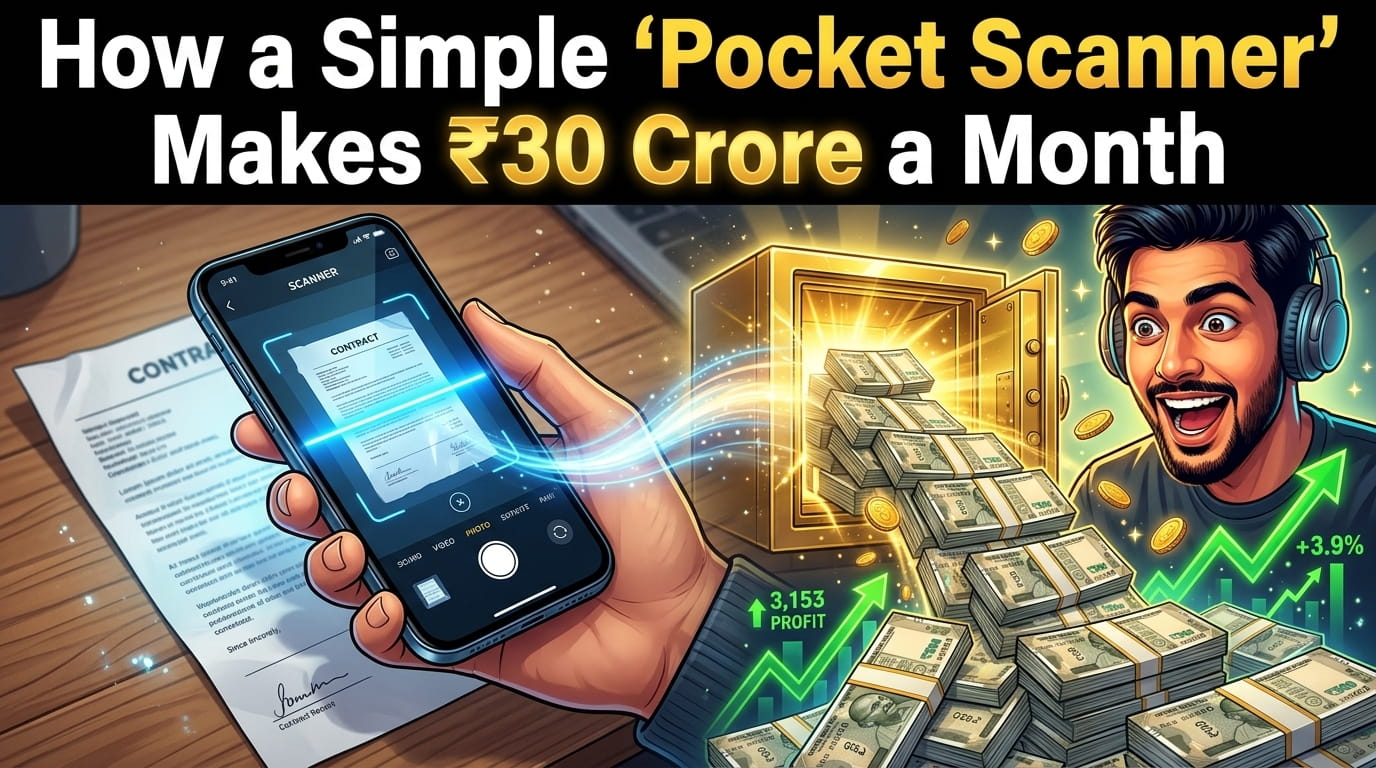
Picture this: It’s 11:45 PM. You have to submit an important college assignment or send an urgent signed document to your boss before midnight.
You quickly take out your phone, snap a photo of the paper, and look at the screen. What do you see? A dark, blurry image with the shadow of your phone right in the middle. Your bedsheet is visible in the background, and the text is barely readable.
We have all been there, right? Sending a photo like that just feels so unprofessional.
For the longest time, my solution was to run to the nearest cyber cafe or struggle with my phone’s default camera editor. But a few months ago, while desperately trying to scan my rental agreement, I stumbled upon the iScanner app.
Look, I test dozens of apps every week as a digital marketer. Most of them are just hype. But this one? It genuinely felt like I had unlocked a hidden superpower on my smartphone.
If you regularly deal with bills, Aadhar cards, assignments, or office documents, grab a cup of chai and read on. Let me tell you why this little app might just be the best thing you download this year.
What Exactly is iScanner? (No, It’s Not Just a Camera Trick)
If you think iScanner is just another app that takes photos and converts them to PDF, you are missing out.
At its core, iScanner is an AI-powered document scanner and PDF editor. But what makes it special is how it works. When you point your camera at a piece of paper, its Artificial Intelligence instantly recognizes the edges of the document. It ignores your messy desk, cuts out the background, and flattens the image.
The final result looks exactly like it came out of an expensive, heavy scanning machine sitting in a corporate office.
4 Mind-Blowing Features That Make iScanner Worth It
1. The AI-Powered “Magic Polish”
Have you ever tried taking a photo of a glossy magazine or a laminated certificate? The glare makes it impossible to read.
iScanner has an AI engine that automatically fixes bad lighting. It removes shadows, sharpens the text, and turns gray, muddy backgrounds into pure white. Your documents will look incredibly crisp and professional every single time.
2. The Lifesaver OCR (Extract Text from Paper)
This feature alone has saved me hours of typing. Imagine you are reading a book or a printed report, and you need a specific paragraph for your presentation.
Instead of typing it out word by word, you just scan it with iScanner. The OCR (Optical Character Recognition) technology literally “reads” the text from the image and turns it into copy-pasteable digital text. It is shockingly accurate!
3. E-Signatures on the Go (Bye-Bye Printers)
This is a game-changer for freelancers and business owners. Someone sends you an agreement on WhatsApp. Normally, you’d have to find a printer, sign it, and scan it back. What a headache!
With this app, you can save your real signature inside the system. When someone sends you a PDF, you just open it in iScanner, tap to add your signature, and send it right back. It takes exactly 15 seconds.
4. The Crazy Bonus: Math Solver and Counting Tool
This is where the app goes from “good” to “mind-blowing.” If you point the camera at a complex math equation, it will actually solve it for you.
And if you run a small business or a shop, you will love the counting feature. Point it at a pile of similar items (like a box of pens, pills, or pipes), and the AI will count them for you instantly. I still don’t fully understand how it works, but it feels like magic.
FINAL MASTER PROMPT (Copy this now!)
You are a senior full-stack developer with expertise in computer vision and web/mobile apps.
Your task is to build a basic MVP of a “Document Scanner App” similar to iScanner.
⚠️ IMPORTANT:
- Focus on working MVP (not perfection)
- Use existing libraries for image processing
- Keep code clean, modular, and beginner-friendly
🧠 APP OVERVIEW
Build an app where users can:
- Capture or upload an image of a document
- Detect document edges
- Crop the document
- Enhance image (black & white / sharpen)
- Export as PDF
🏗️ TECH STACK
Option 1 (Web App):
- Frontend: React (Vite) + Tailwind CSS
- Backend: FastAPI (optional)
Libraries:
- OpenCV.js OR simple JS libraries for edge detection
- jsPDF (for PDF generation)
Option 2 (Mobile):
- React Native (Expo Camera)
🎯 CORE FEATURES (MVP)
- IMAGE INPUT
- Upload image OR use camera
- Preview image
- EDGE DETECTION
- Detect document boundaries (rectangle)
- Draw overlay box
- CROP TOOL
- Allow user to adjust corners
- Crop final document
- IMAGE ENHANCEMENT
- Filters:
- Black & White
- Grayscale
- Original
- Improve contrast
- PDF GENERATION
- Convert image to PDF
- Download button
- MULTI-PAGE (OPTIONAL)
- Add multiple images into one PDF
🎨 UI DESIGN
- Clean modern UI
- Step-by-step flow:
- Upload / Capture
- Crop
- Enhance
- Export
- Use card layout
- Buttons with icons
📁 PROJECT STRUCTURE
frontend/
src/
components/
ImageUpload.jsx
Cropper.jsx
Filters.jsx
PDFExport.jsx
⚙️ LOGIC DETAILS
- Use canvas for image manipulation
- Detect edges using OpenCV.js or basic contour detection
- Apply filters using canvas pixel processing
- Generate PDF using jsPDF
🔥 BONUS
- OCR (Text Extraction)
- Use Tesseract.js
- Auto crop detection
- Mobile responsive design
🚀 OUTPUT FORMAT
Return:
- Full frontend code (React)
- Component-wise breakdown
- Step-by-step explanation
- Setup instructions
Make sure everything works end-to-end.
Who Should Actually Use This App?
- Students & Teachers: Stop carrying heavy backpacks. Scan your classmate’s notes, library book pages, and old question papers. Keep them organized in folders inside your phone.
- Small Business Owners (SMEs): Keep track of your daily receipts, vendor invoices, and GST challans. You will never lose an important bill again.
- Corporate Professionals: Scan whiteboards after a meeting, sign HR documents instantly, and email high-quality PDFs to your clients directly from the app.
🏁 Conclusion
At the end of the day, time is money. In 2024, nobody has the time to struggle with bad photos, printers, or cyber cafes just to send a basic PDF.
iScanner brings a level of convenience that you didn’t know you needed. It’s clean, it’s lightning-fast, and it genuinely makes you look more professional in front of your teachers, bosses, or clients.
Give it a try. Take it out of your pocket the next time you need to digitize a document, and watch how easy life becomes!
❓ Frequently Asked Questions (FAQs)
1. Is the iScanner app completely free to use? iScanner offers a free version with basic scanning features which is great for everyday use. However, premium features like OCR, Math Solver, and unlimited daily scans require a paid subscription.
2. Does it work without an internet connection? Yes! You can easily scan documents and save them as PDFs completely offline. You only need the internet if you are trying to share the file or use advanced AI cloud features.
3. Is it safe to scan my Aadhar Card, PAN Card, or bank details? Absolutely. iScanner takes user privacy seriously. All your scanned documents are stored locally on your device unless you manually choose to upload them to a cloud service.
4. Can I share the scanned PDFs directly to WhatsApp or Email? Yes, it is seamless. With just one tap, you can share your freshly scanned PDF or JPEG file directly to WhatsApp, Gmail, Telegram, or even save it to your Google Drive.
5. How is iScanner different from the default iPhone or Android scanner? While built-in scanners are basic, iScanner gives you professional-grade tools. Features like auto-correcting perspective, OCR text extraction, area measurement, and object counting make it far superior to a basic phone camera.
How can I earn revenue by above apps. Inbox details
I am so interested in this…I want to earn and learn too…
Nice idea
Excellent interested
Link
Ye kaise karna hai
Hai
Link
.
My self Ajay from Goa I m interested with these app but I don’t no how too generate app all things